

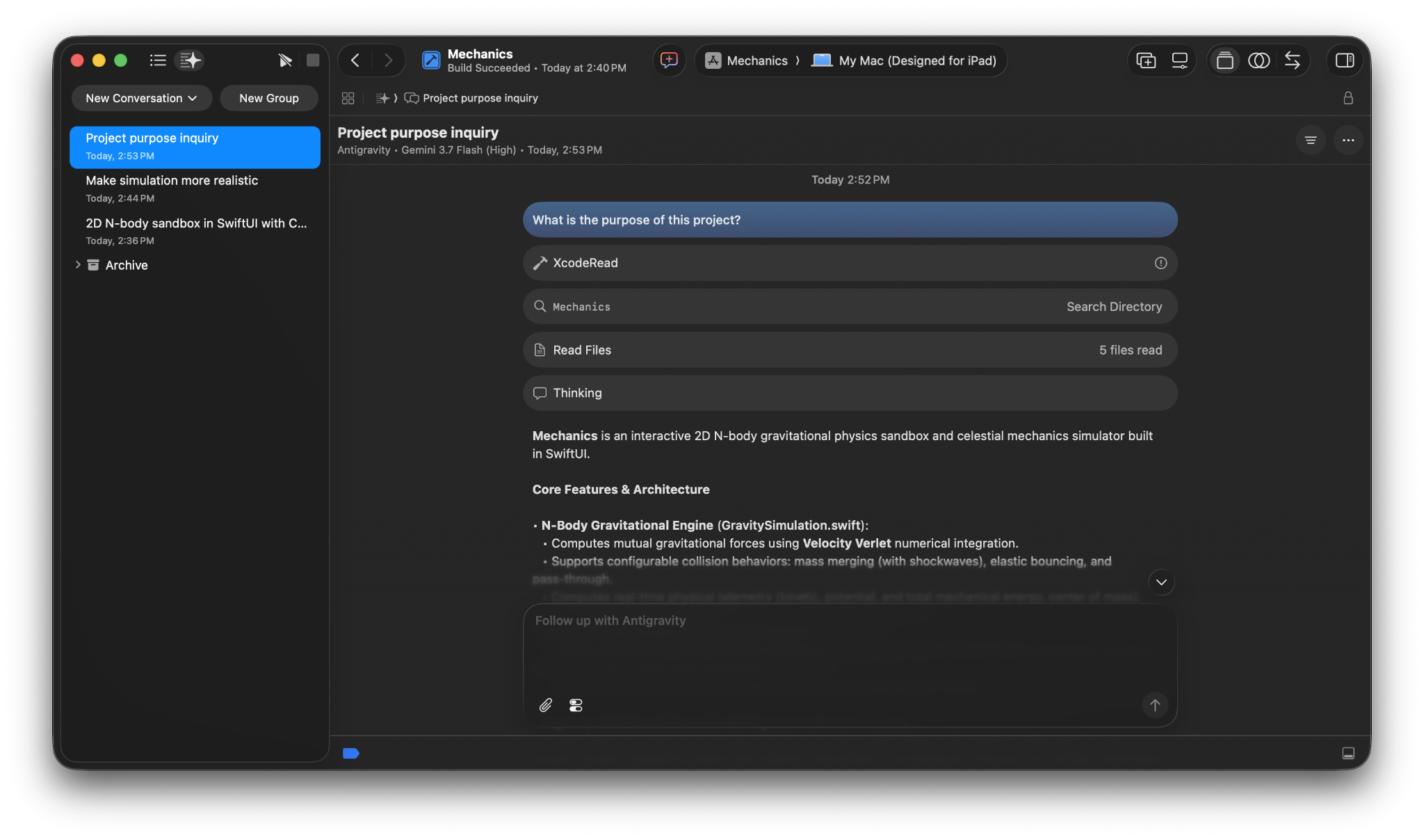
You can access Antigravity directly inside Apple’s Xcode to build across Apple platforms (including macOS, iOS, iPadOS, watchOS, and visionOS) without leaving your native development environment.
Prerequisites
Section titled “Prerequisites”Ensure that you meet the following prerequisites before installing the extension:
- Xcode: Xcode 27 beta 6 or later on macOS.
- Antigravity entitlement: A Google Account with any Antigravity plan (including the free tier) or Gemini Enterprise (enterprise support is in Preview).
Installation and setup
Section titled “Installation and setup”Complete the following steps to install Antigravity in Xcode:
- Open Xcode (Xcode 27 beta 6 or later).
- Navigate to Xcode > Settings (or press
Cmd+,). - Select the Intelligence settings panel.
- Install Antigravity by clicking Get.
- After Antigravity installs, select Antigravity and click … to start authentication.
Authentication and licensing
Section titled “Authentication and licensing”Google Accounts
For individual Google AI subscription plans (including Free, Pro, and Ultra):
{
  "auth": {
    "type": "oauth-personal"
  }
}